
Pre-Ordering
Pre-Order Smarter. Serve Faster.
!Chaturlocal Pre-Ordering helps businesses create and share specific Pre-Order links, accept customer orders, configure pickup or delivery slots, manage quantities, generate bills and support multiple payment methods through one convenient system.
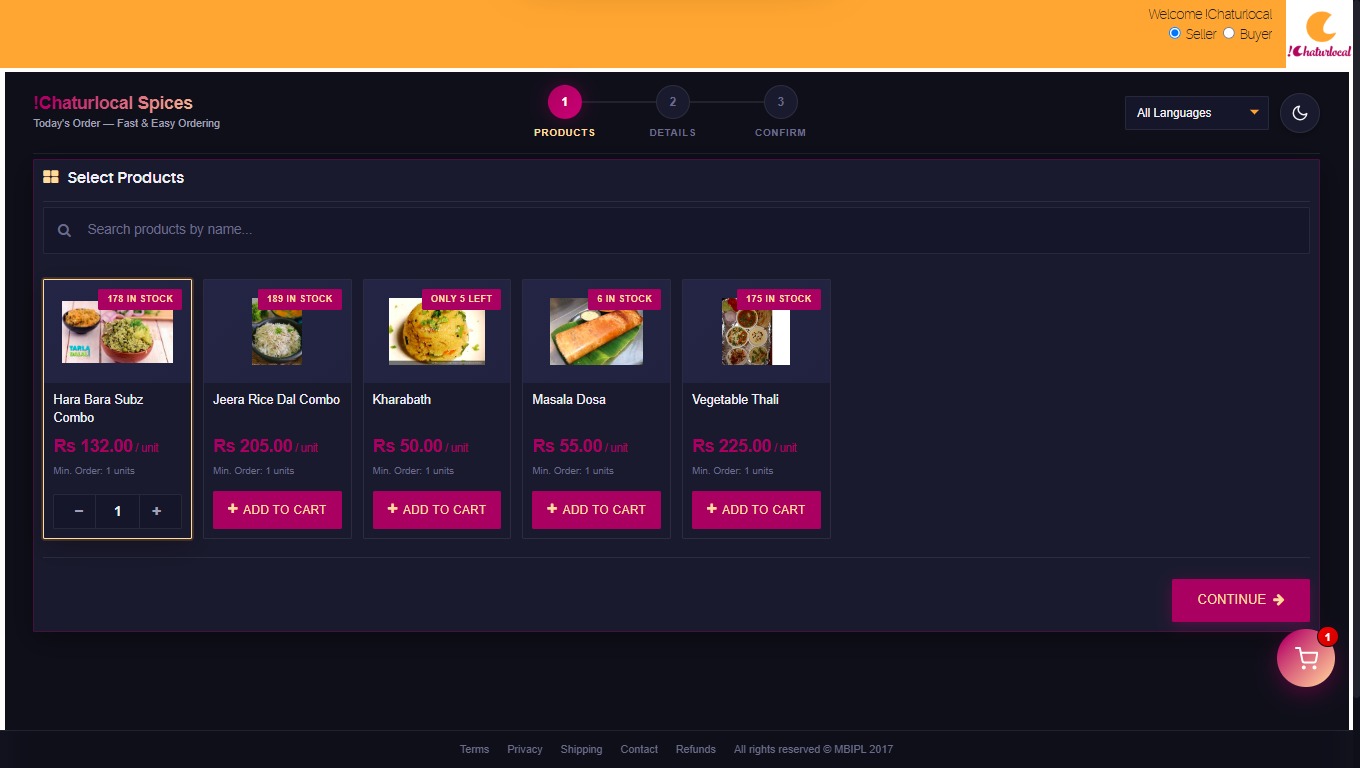
Create, share and manage customer Pre-Orders
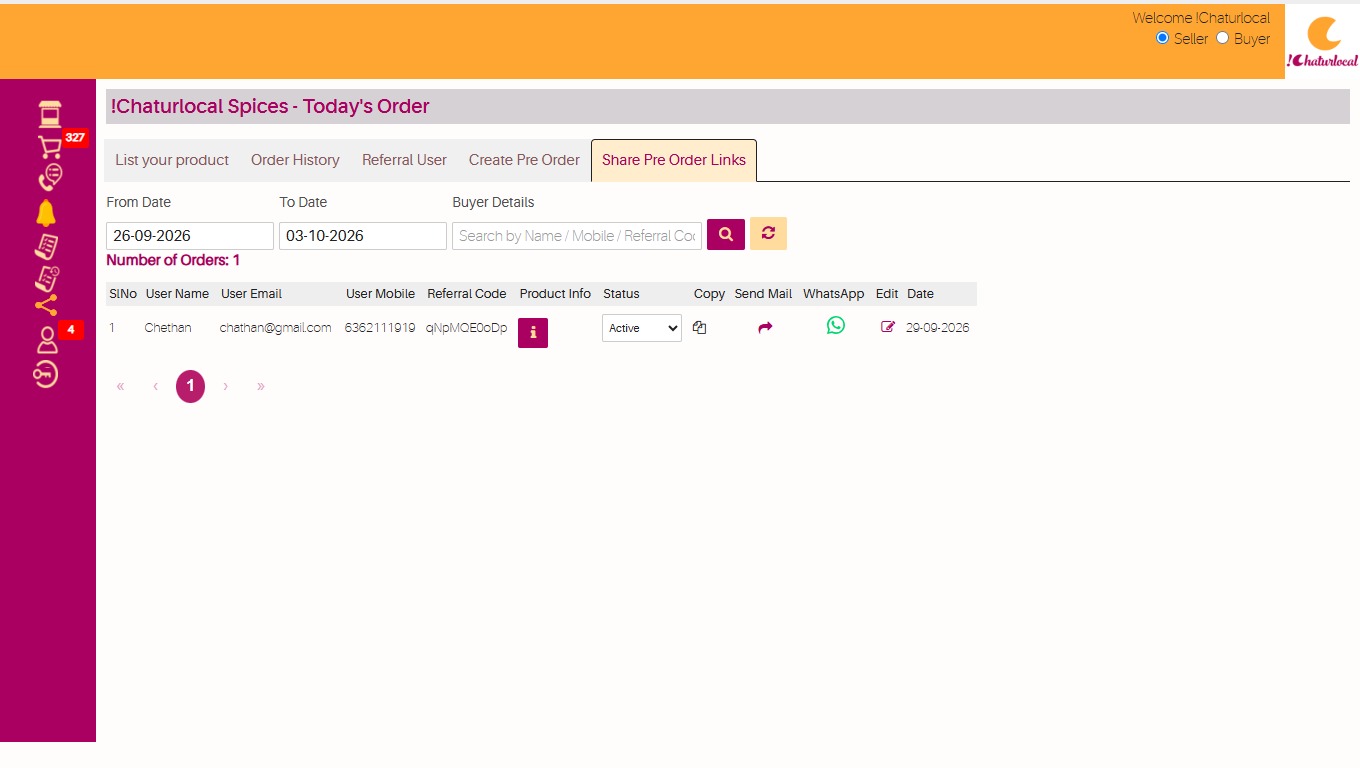
Create an external Pre-Order URL for a specific customer and time period by selecting the required products. The link can be set as Active or Inactive based on availability.
Create Pre-Order
Select the required products and create an external Pre-Order URL for a specific customer and time period.
Share With Customer
Share the unique Pre-Order link with the customer and keep the link Active or Inactive depending on availability.
Confirm & Generate Bill
Generate a billing invoice against the unique customer Pre-Order URL after the order is confirmed.
Pre-Ordering, QSR & KOT
Bring customer ordering, order processing and kitchen order handling together for faster day-to-day operations.
Pre-Ordering
Create and share Pre-Order links, configure order availability, quantities, pickup or delivery and customer payment options.
QSR
Support faster order handling for quick-service operations by organizing incoming customer orders and order fulfilment.
KOT
Keep customer orders organized for kitchen processing and support a smoother flow from order placement to preparation.
Everything needed to manage Pre-Orders
Manage products, customer-specific links, quantities, pickup and delivery, billing and payments from one Pre-Order workflow.
Today's Order
Create an external specific Pre-Order URL link for your customer.
Bill Generation
Generate a billing invoice against a unique customer Pre-Order URL after confirmation.
Pickup & Delivery Slots
Configure available pickup or delivery dates and time slots for customer orders.
MOQ
Set minimum and maximum quantities for a customer or for an individual order.
Multiple Payment Methods
Support Cash, Khata, Payment Gateway, UPI, Cards and Bank Transfer payment options.
Order History
Maintain customer order history and daily sales information for easier tracking.
Discounts & Offers
Configure discount percentage on base price or MRP and update special offers for customers.
GSTN & Non-GSTN
Generate GSTN and Non-GSTN invoices after the customer places the order.
A simpler customer ordering experience
See how !Chaturlocal Pre-Ordering can help manage products, share Pre-Order links, receive orders and organize fulfilment.
- Create Pre-Order Links
- Share Pre-Order Links
- List Products
- Order History
- Pickup Time Slots
- Delivery Time Slots
- Multiple Payments
- Invoice Generation
A closer look at !Chaturlocal Pre-Ordering
Explore Pre-Ordering, QSR and KOT screens designed to make everyday order handling easier.
From product selection to order fulfilment
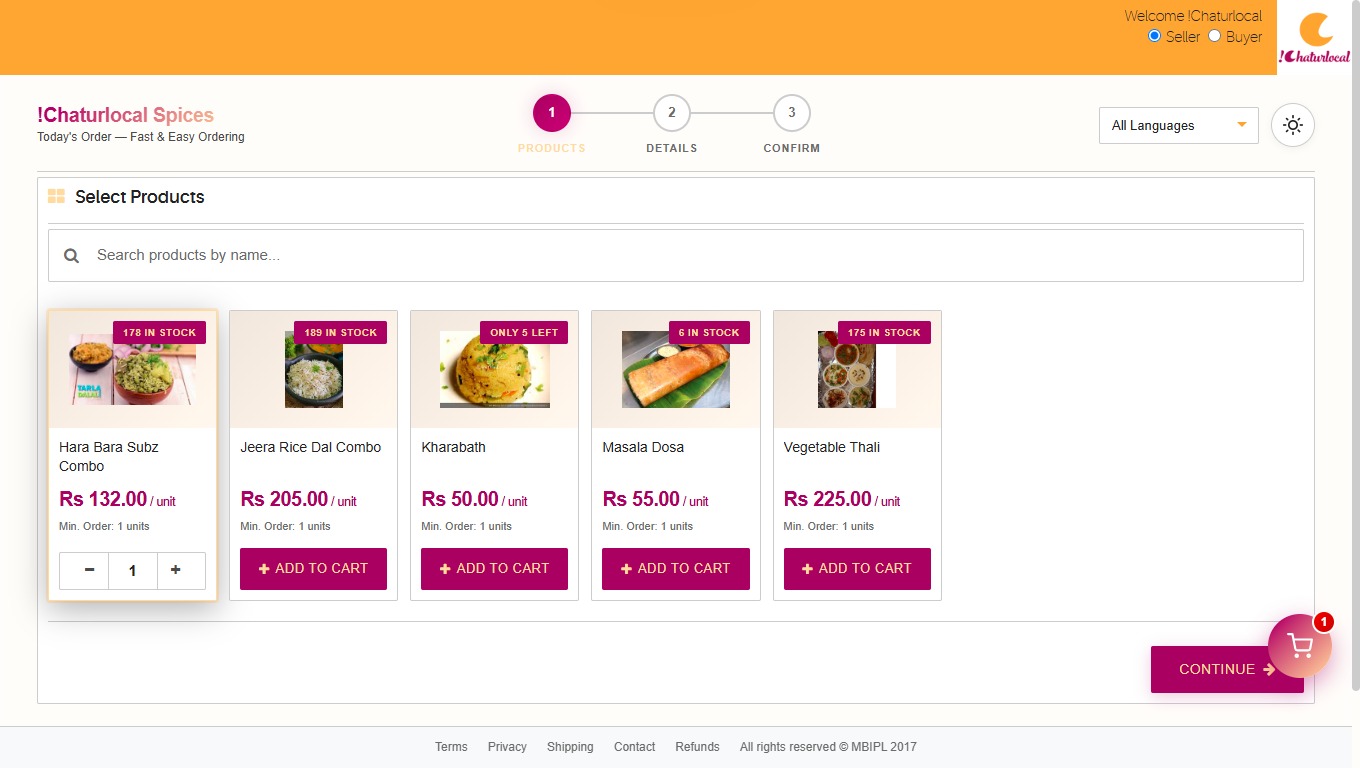
Select Products
Select the required products to create a specific Pre-Order offering.
Create & Share Link
Generate the external Pre-Order URL and share it with the required customer.
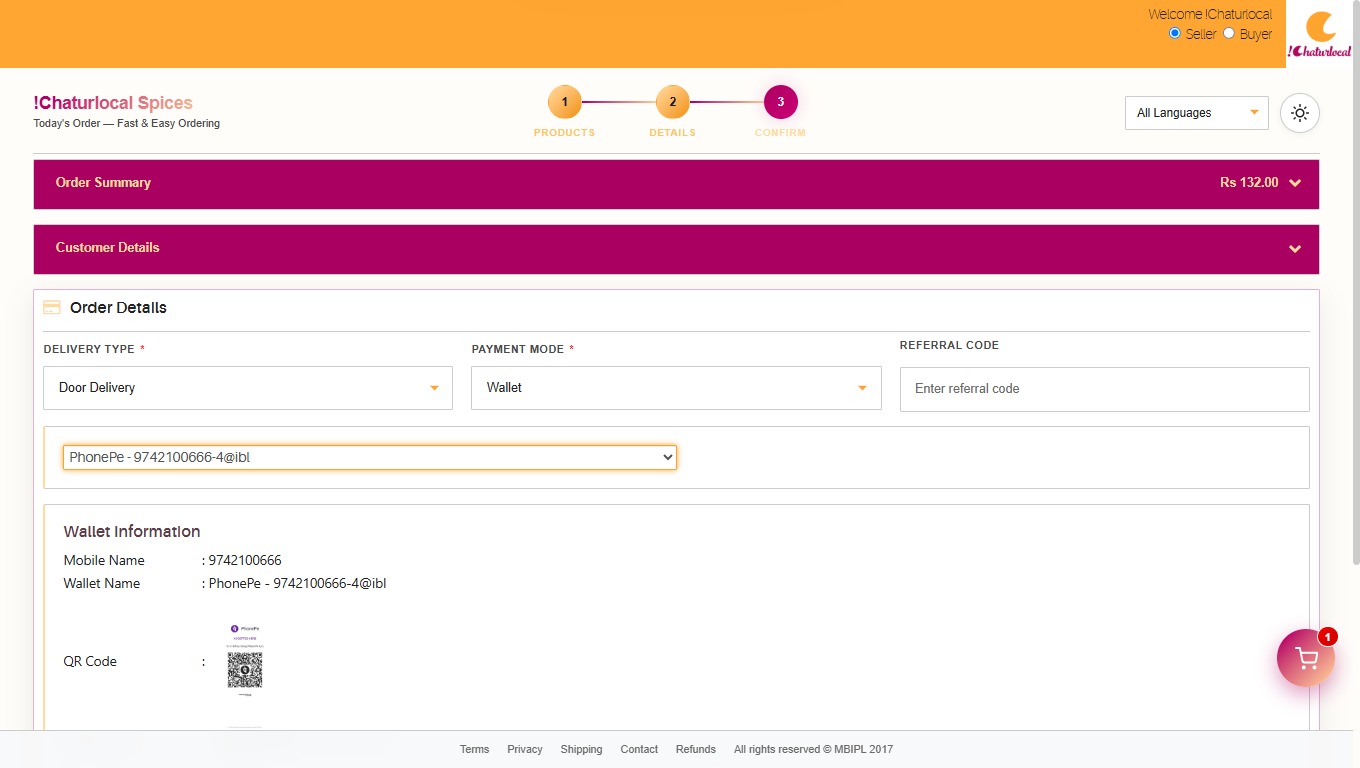
Customer Places Order
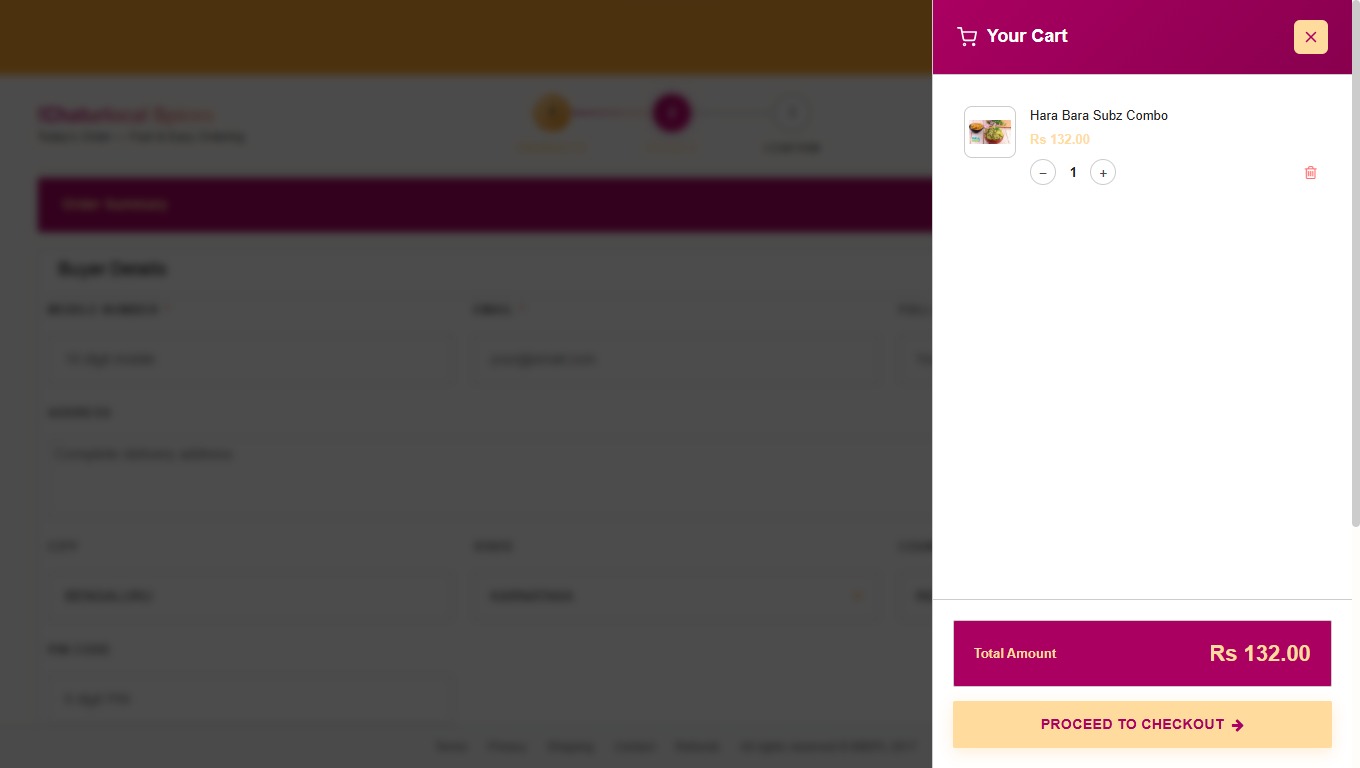
The customer selects products, quantities, pickup or delivery options and payment method.
Confirm & Process
Confirm the order, generate the required invoice and continue with order fulfilment.
Simple functions for everyday Pre-Order management
Manage your products, orders, users and shared Pre-Order links from one workflow.
List Your Product
Select and list products that you want to make available through the Pre-Order link.
Order History
Maintain previous order information for easier business and customer tracking.
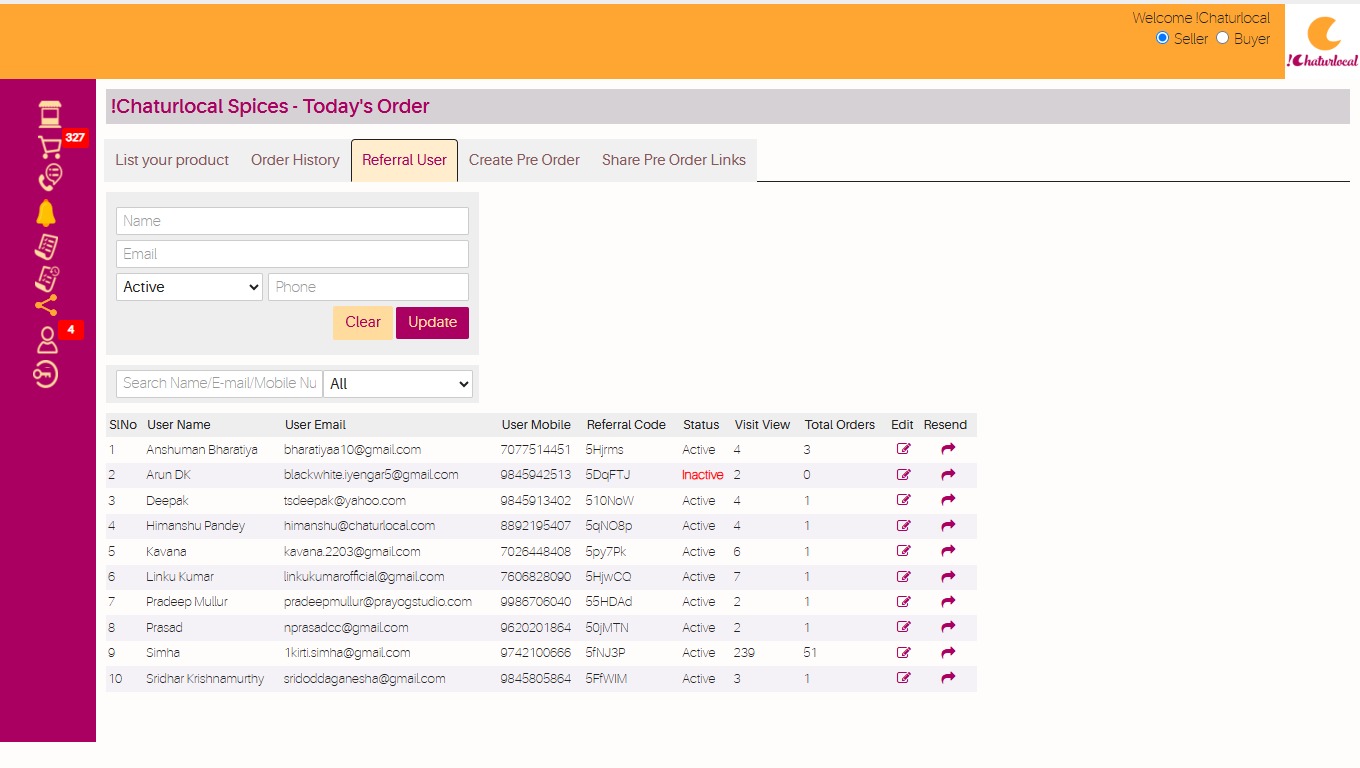
Referral User
Support referral-user functionality as part of the Pre-Order operation.
Share Pre-Order Links
Create and share specific Pre-Order links with your customers as required.
More control over orders, payments and fulfilment
See how !Chaturlocal Pre-Ordering works for your business
Create and share Pre-Order links, manage customer orders, configure pickup or delivery, support multiple payment methods and simplify everyday order processing.